How to set the Grace Period
This setting allows users to define how many days after an invitation is sent before the Vendor Enrollment portal sends a reminder to the vendor.
1. Navigate to the Settings Panel
2. Click on System menu
3. Find the Grace Period setting
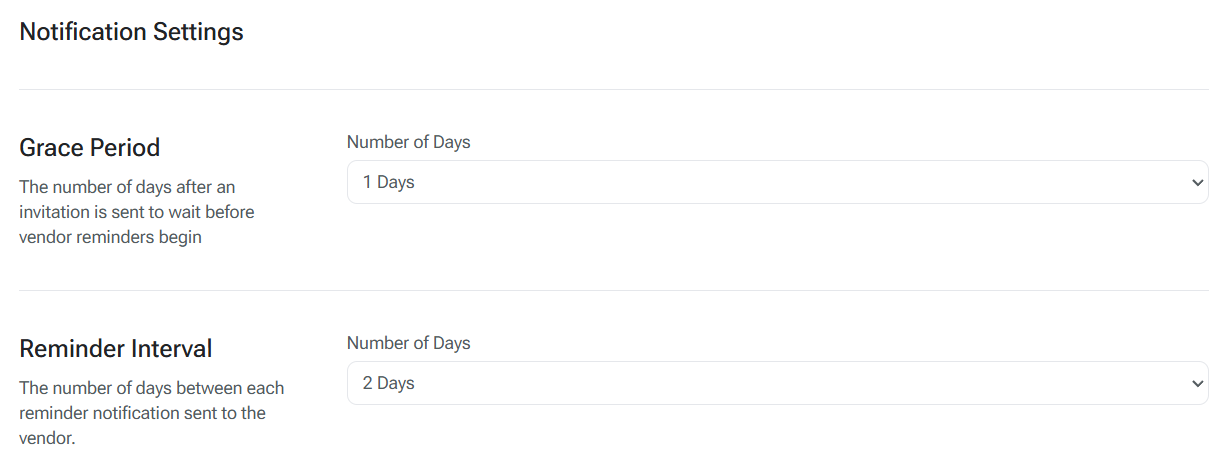
4. Select the Number of days.
5. Click the Save button to save the setting change.
How to set the Reminder Interval
This setting allows users to define how frequently a notification should be sent out to vendors.
1. Navigate to the Settings Panel
2. Click on System menu
3. Find the Reminder Interval setting
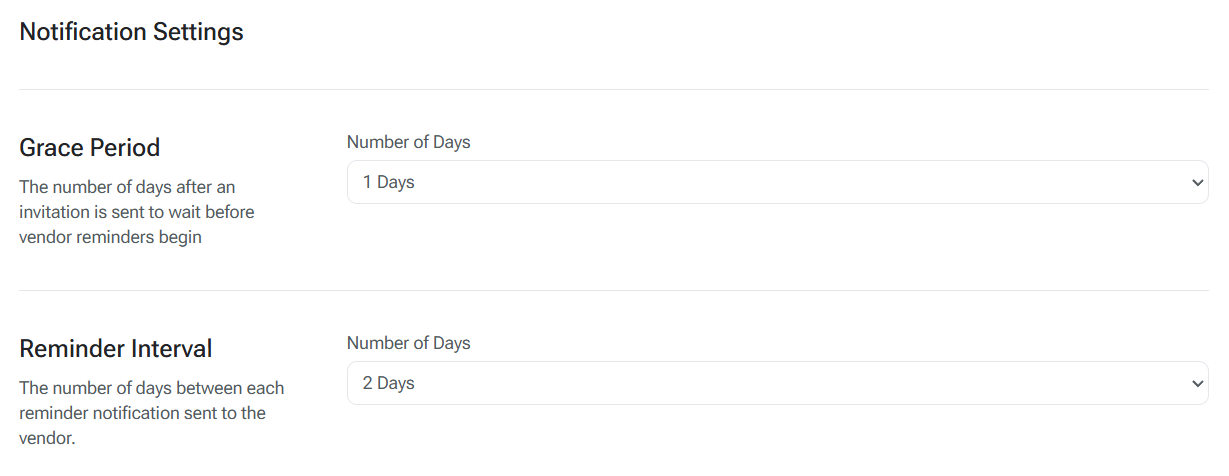
4. Select the Number of days.
5. Click the Save button to save the setting change.
How to Edit the Vendor Notification
This section details how to customize the Vendor Notification.
1. Navigate to the Notifications
2. Select the Vendor Reminder email template.
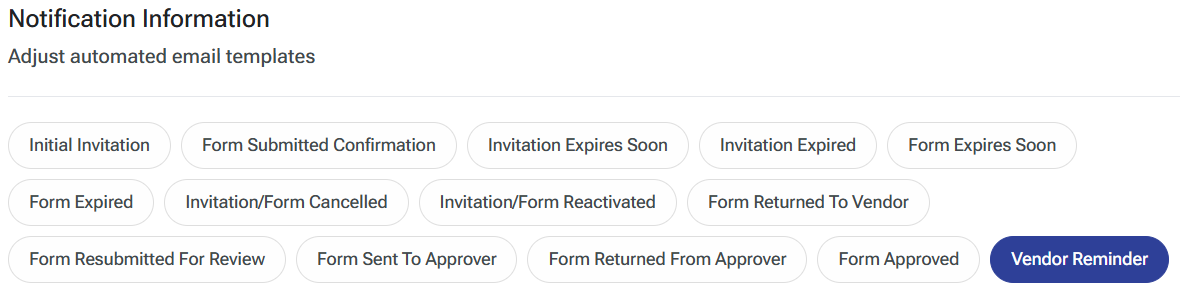
3. Update the email body under the Vendor Reminder header.

4. Drag and drop any applicable PDF. This PDF will be included in the email sent to the vendor as an attachment.

5. Click the Save button to save the setting change.
Was this article helpful?
That’s Great!
Thank you for your feedback
Sorry! We couldn't be helpful
Thank you for your feedback
Feedback sent
We appreciate your effort and will try to fix the article